
Photo for illustrative purposes only.
Find out moreVolvo Cars Mont-Royal
On a cold morning, the first few minutes in the car are often the least comfortable part of the day. The seats are cold, the steering wheel is cold, and the windows need time to clear. The Volvo Cars app lets you take care of much of that from your phone, before you even put on your boots.
This guide walks through the app’s climate controls step by step, from warming the cabin on demand to scheduling it for the same time every weekday. We will also cover a few other app features that help on winter days, like checking your charge level, finding your car in a snowy parking lot and booking your next service.
The Volvo Cars app is Volvo’s companion app for your car. If you used Volvo On Call in the past, this is the same service under a new name, and any existing subscription continues as normal without you needing to do anything.
The app’s features and content are tailored to your car model and the services offered in your area. Once your car is linked to the app, the home screen shows the controls your Volvo supports, so the best first step is to open the climate section and see which options appear for your car.
The app’s climate controls let you pre-climatize your car remotely. In winter, that means warming the cabin before you get in. In summer, the same control cools the cabin down.
Starting the climate system takes just a tap. By the time you finish breakfast or pack the kids’ bags, the cabin has had time to warm up. It is a simple habit that makes the drive more pleasant from the moment you open the door.

The app also lets you heat the front seats and the steering wheel ahead of time. On a short trip, that means the seat and wheel are already warm when you sit down.
If you leave at the same time most mornings, scheduling saves you from opening the app each day. Set your departure time in the app, and the cabin will reach the right temperature when you are ready to go.
You can also program daily and weekly routines. For example, you could set one schedule for weekday work mornings and another for Saturday hockey practice. Each journey then starts with the cabin already prepared, with no extra steps from you.
On models that support it, the app offers air purification controls. You can check the air quality inside the cabin remotely and run a five-minute purification cycle that ventilates the cabin and replaces stale air with fresh air.
This works with Volvo’s CleanZone technology, which also keeps air quality high on the road by reducing dust, pollen, particles and odours. If a car has been closed up for a few days, a quick cycle before you leave helps the cabin feel fresh.
Climate control is only one part of the app. A few other features are handy when the weather turns:
|
Feature |
How It Helps in Winter |
|
Charge level and range |
Shows your battery level and a range estimate based on your recent driving |
|
Charging status |
Confirms your car is plugged in and charging, and shows progress toward your selected charge level |
|
Remote lock and unlock |
Lets you lock or unlock with one tap, with a reminder if you forget to lock after parking |
|
Parked car locator |
Shows where you parked and can flash the headlights or sound the horn to help you find your car |
|
Maintenance checks |
Lets you check tire pressure, lights and fluids from your phone |
|
Service bookings |
Lets you choose a Volvo retailer and book an available date and time |
|
Roadside Assistance |
Connects you to help 24/7 with one tap |
For plug-in hybrid owners, the app also shows how far you can travel on electric power and an approximate range on the gas engine. Electric and plug-in hybrid drivers can use the charging station finder to locate, start, track and pay for charging, with filters for fast chargers and real-time availability.

Here is an easy way to put the app to work each cold morning:
Once this routine is set up, most of it runs on its own. Your Volvo does the work while you get ready.
If you would like help linking your car to the app or setting up your first departure schedule, our team at Volvo Cars Mont-Royal in Montreal is glad to show you how it works. Bring your phone on your next visit, and we will make sure your Volvo is ready for warm, comfortable mornings all season.
Photo for illustrative purposes only.
Find out more
Plug-In Luxury SUV Showdown: How the 2026 Volvo XC60 T8 Outpowers and Out-Tows the Lexus NX 450h+
Plug-in hybrid SUVs let you drive on electric power for daily errands and switch to gas for longer trips. In the midsize luxury class, two of the...
Read more
2026 Volvo XC40 vs Mercedes-Benz GLA: The Safety Tech You Don’t Pay Extra For
Compact luxury SUVs often look alike on paper until you open the equipment list. The 2026 Volvo XC40 and the 2026 Mercedes-Benz GLA both target...
Read more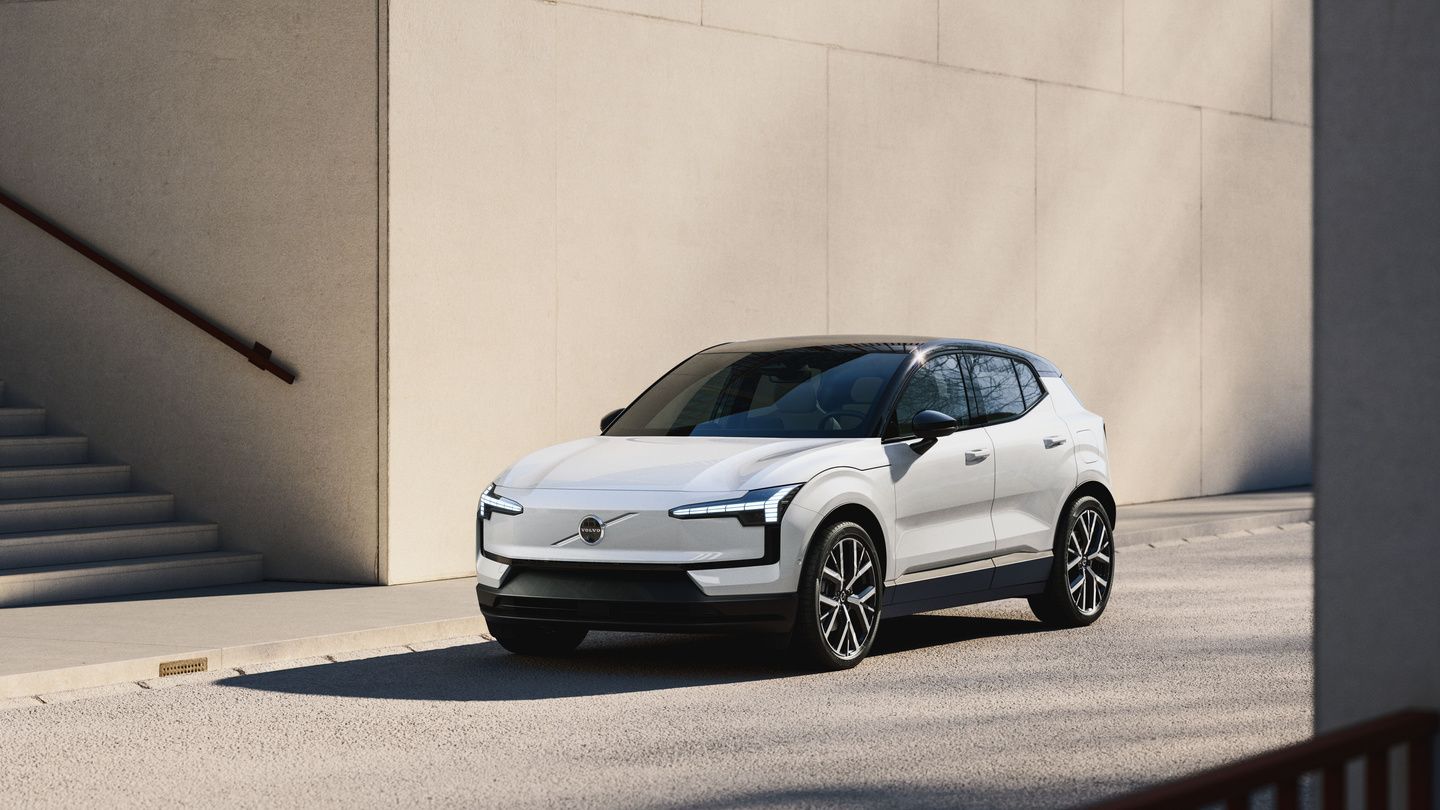
What Changes on the 2027 Volvo EX30 in Canada: All-Ultra Trims, V2L and the Harvest Interior
The 2027 Volvo EX30 is expected to reach Canadian customers in 2027, and Volvo has changed the way its smallest electric SUV will be sold here....
Read morePowered and developed by
